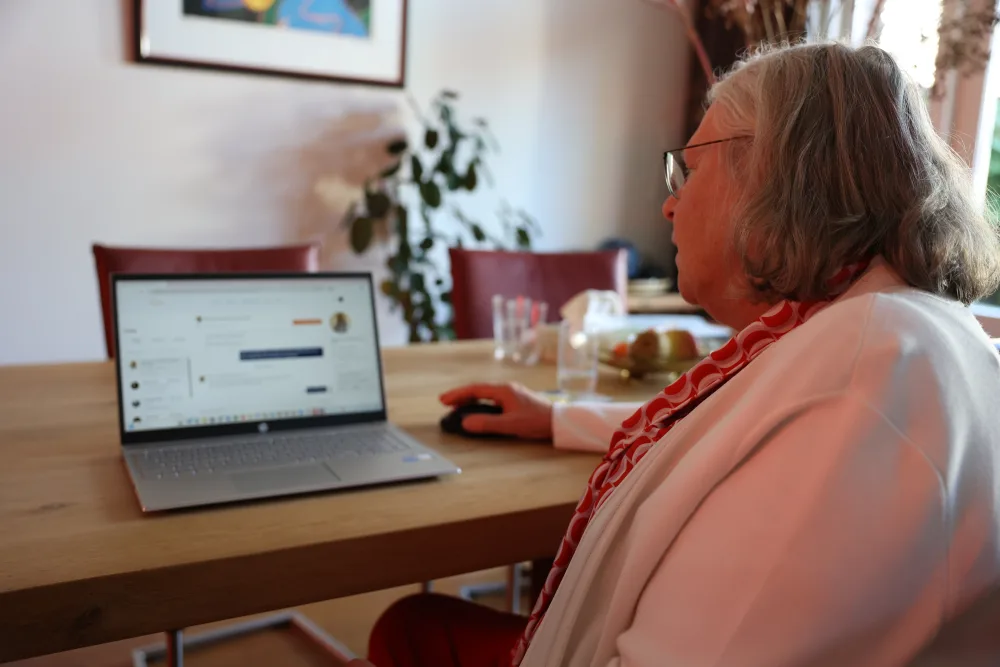
Create your listing
Ready to get started? Creating your listing at Hospi Housing is simple and takes about 15 minutes. Below we walk you through it step by step.
Step by step
- Create account: Go to hospihousing.com and create a free account with your email address.
- Fill in your profile: Tell us who you are, upload a profile photo, and fill in your details. The more complete, the better, because tenants want to know who they'll be living with.
- Add listing: Click 'Add listing' and fill in the listing details:
- Address and location
- Room size and type (furnished/unfurnished)
- Availability date
- Monthly rent price
- Amenities and house rules
- Upload photos: Add at least 4-5 photos of the room and the shared spaces. Check our photo tips for the best results.
- Schedule intake: Not yet verified and haven't had an intake interview? Then book an intake interview through the platform. This is the last step before your listing goes live. Already had your intake? Then you can skip this step.
- Publish: After an approved intake, your listing becomes visible to room seekers right away.
After publishing
Once your listing is live:
- You'll get a notification as soon as room seekers show interest
- You can view profiles of interested candidates
- Start conversations through our secure chat
You can adjust your listing at any time: add photos, change your description, or update availability.